Build ads in the browser.
Compose image, text, shape, and button layers. Adjust the layout, preview motion, and save proven formats as agency templates.
Reopen any Studio creative to make a new version. The original stays intact.
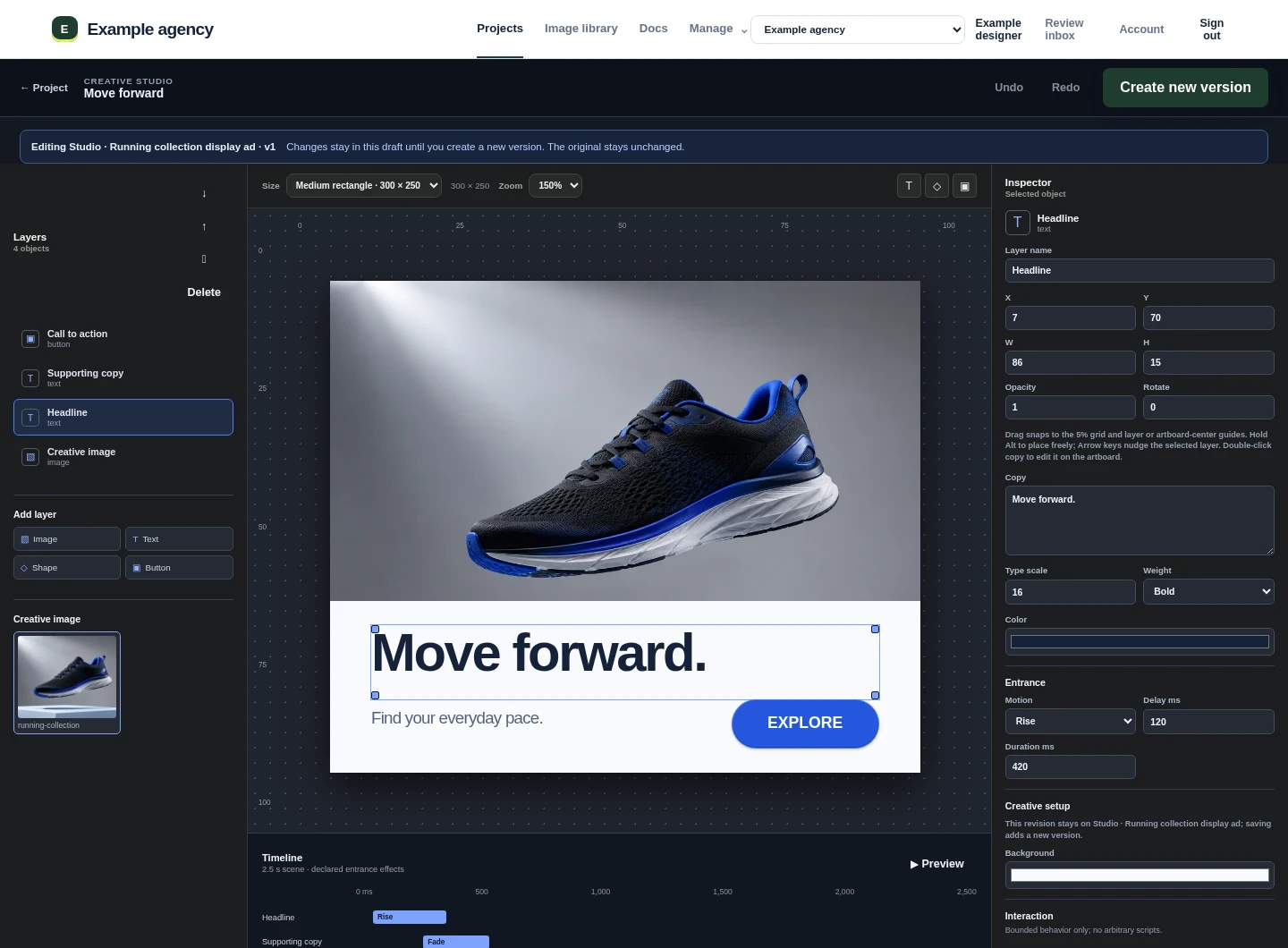
Create the ad, collect the exact client decision, and deliver the right version from one agency workspace.


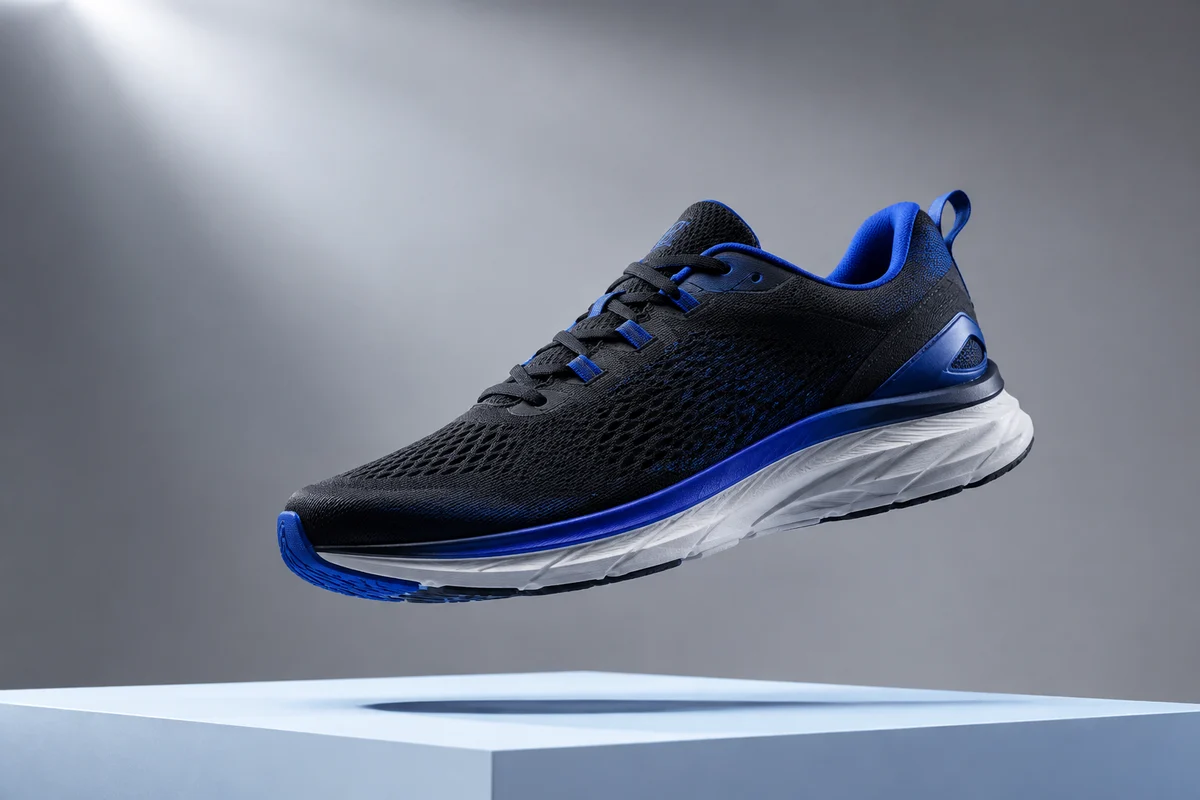
Studio, client review, and live creative delivery in one connected sequence.
Create the work, bring clients into the right conversation, and deliver approved ads without rebuilding the process around every campaign.
Compose image, text, shape, and button layers. Adjust the layout, preview motion, and save proven formats as agency templates.
Reopen any Studio creative to make a new version. The original stays intact.
Use a campaign page, brand voice, and notes to develop ad-copy options. Your team chooses what moves into Studio.
Suggestions remain editable. AI does not approve or publish creative.
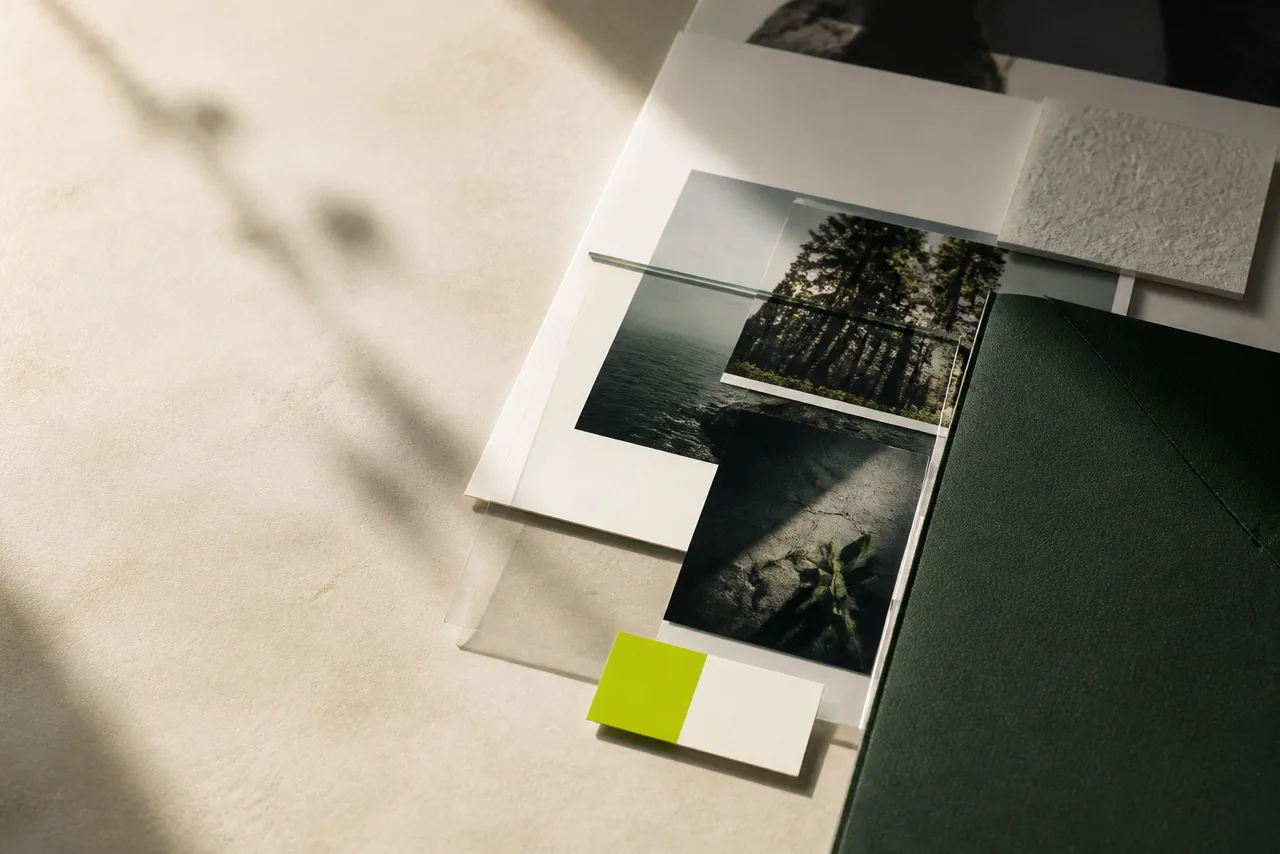
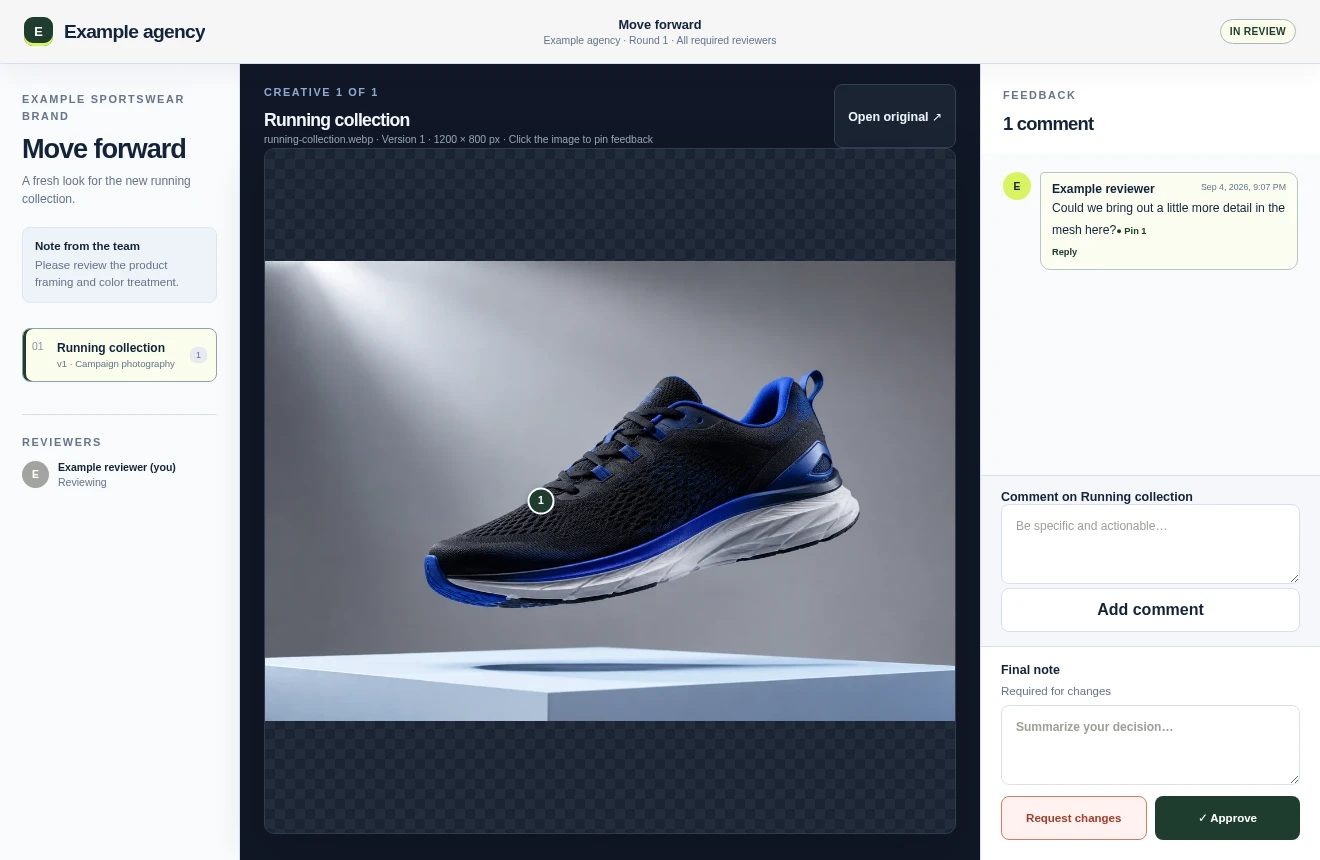
Invite the right reviewers, pin comments to the creative, and collect clear decisions on the exact version everyone saw.
New creative becomes a new version. Earlier review history remains available.
Connect a catalog to a hosted display ad. Choose the product limit, image mappings, destinations, and whether the ad rotates automatically.
This example uses manual navigation. Try the arrows to change the product data and artwork.
Product 1 of 3Present a focused, branded review space while your team keeps projects, permissions, versions, and delivery organized behind it.
Use your agency identity, client-specific workspaces, and review domains without exposing implementation details to reviewers.
Comments and decisions stay connected to the version and review round where they were made.
Use the API to bring creative into projects and webhooks to send review activity into the tools your team already uses.
Tell us how your agency creates, reviews, and delivers ads. We will follow up to talk about a pilot.