Layered artboards
Arrange images, text, shapes, and buttons across common display sizes with grid, guide, focal-point, and keyboard controls.
Compose image, copy, shape, and button layers on a real display artboard, then create a review-ready version.
Start a conversation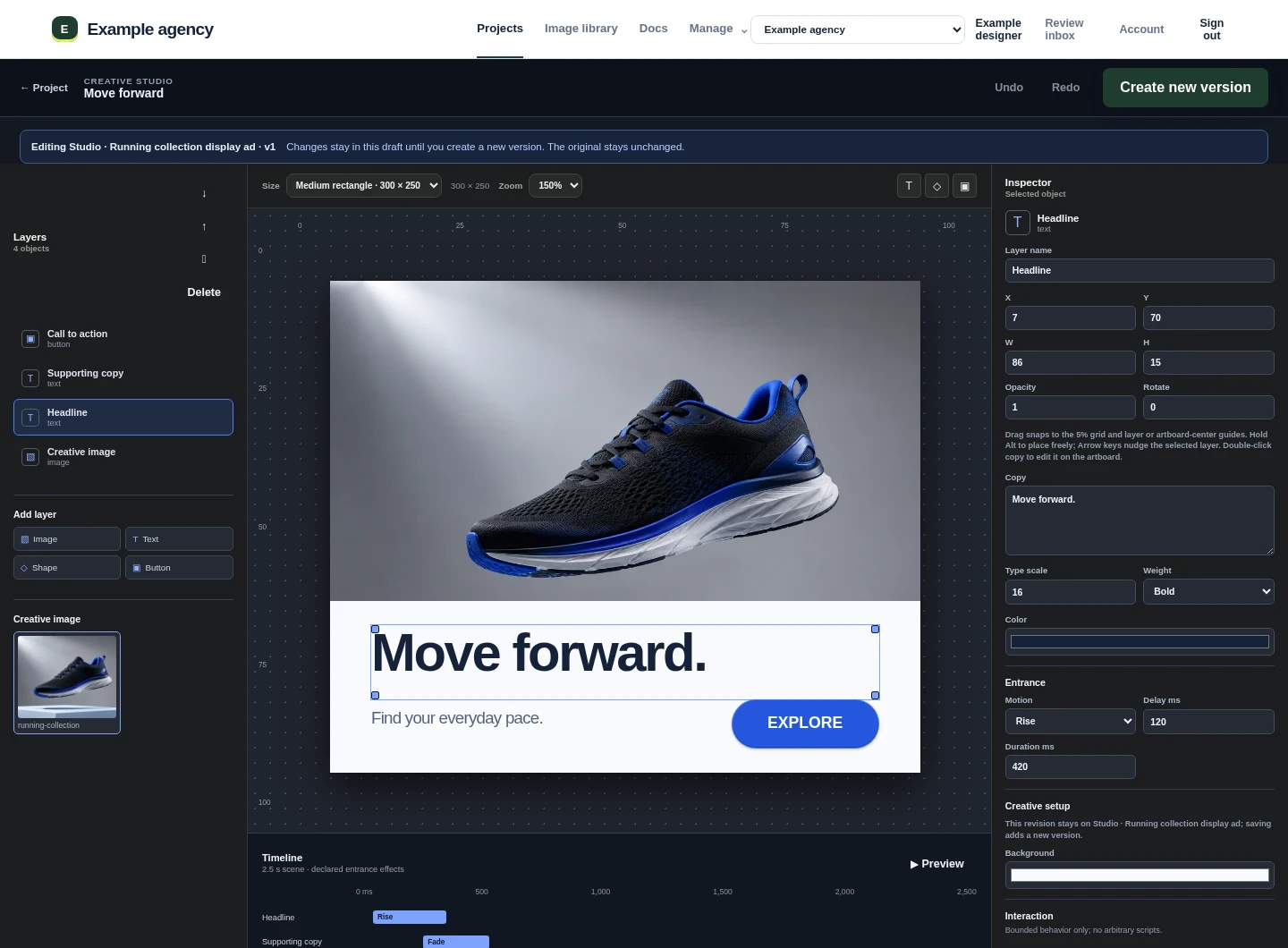
The editor keeps visual decisions close to the project and the next client review.
Arrange images, text, shapes, and buttons across common display sizes with grid, guide, focal-point, and keyboard controls.
Preview bounded entrance effects and timing without adding arbitrary scripts to the agency workspace.
Promote a proven creative to an agency template, then change imagery, copy, color, and layout for new work.
Reopen an existing Studio creative as a draft and create a new version. The source and earlier review evidence stay intact.
The review surface renders the saved artboard at its intended shape, including its declared layer positions and motion.